Karpathy's Neural Networks: Zero to Hero — lecture guide, notes and code
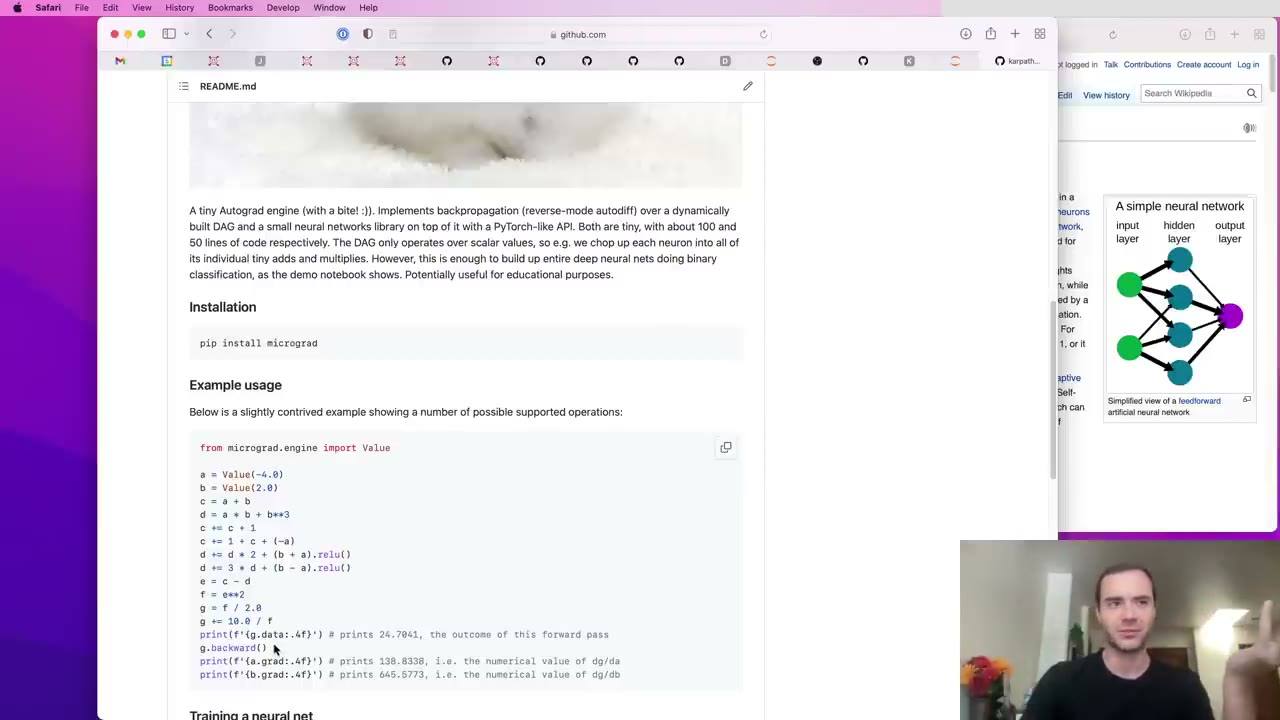
A neural network is just a mathematical expression (4:42). It takes data and weights as inputs and produces predictions or a loss. Backpropagation works on any such expression; networks are one use of it.
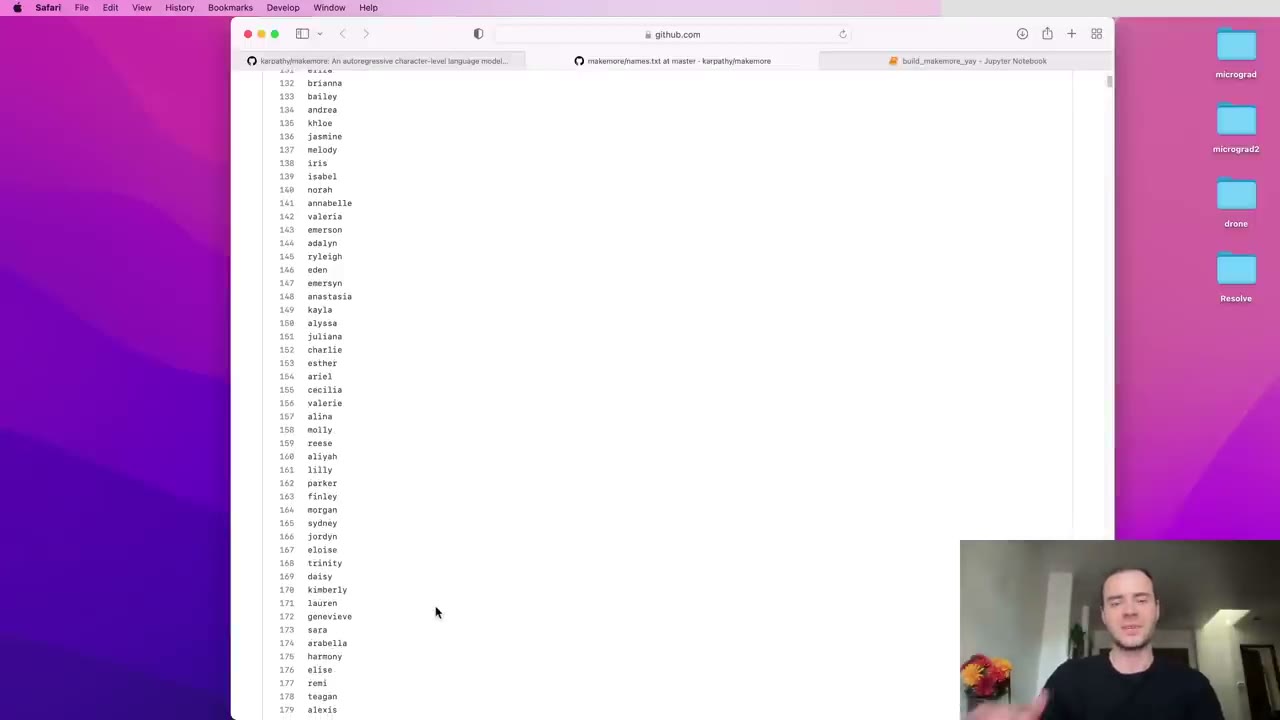
One name holds several training examples (4:39). "isabella" says which letter tends to start a name, which letters follow which, and that the name ends after the last "a". Padding each word with a start/end token captures all of it.
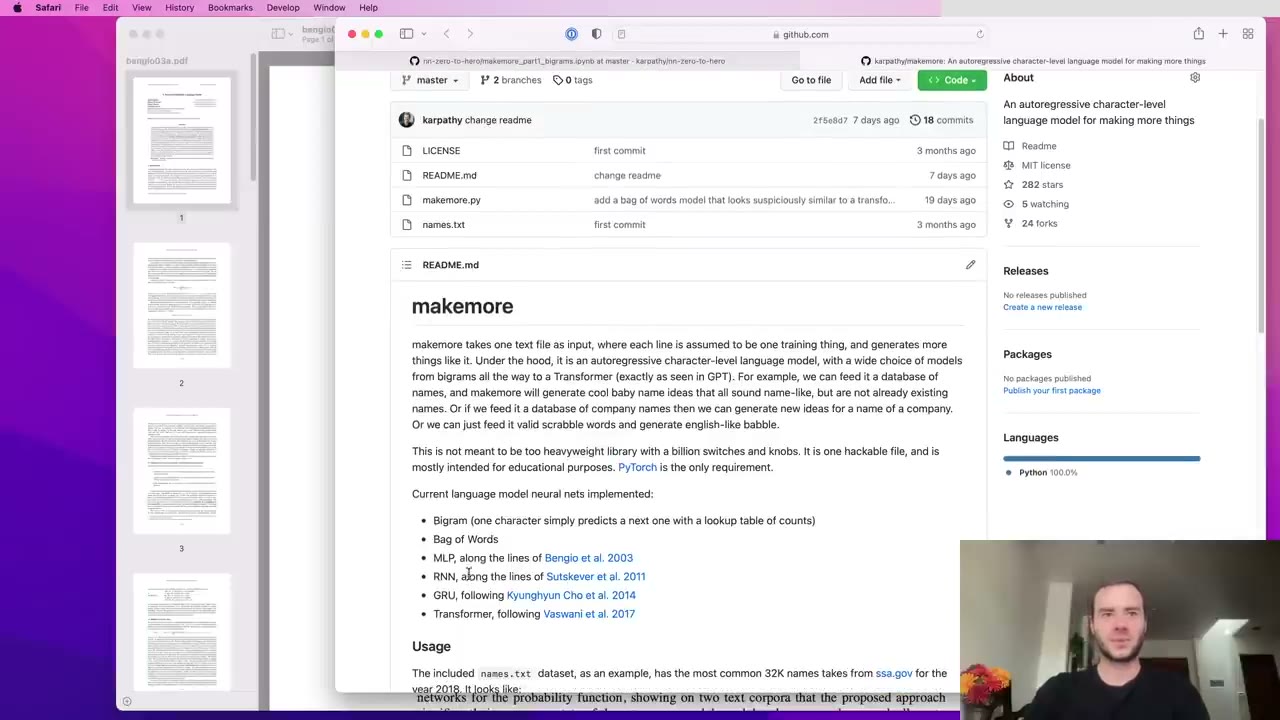
Counting tables do not scale with context (1:03). With 27 symbols, two characters of context give 729 rows and three give roughly 20,000, far too many for each row to collect useful counts.
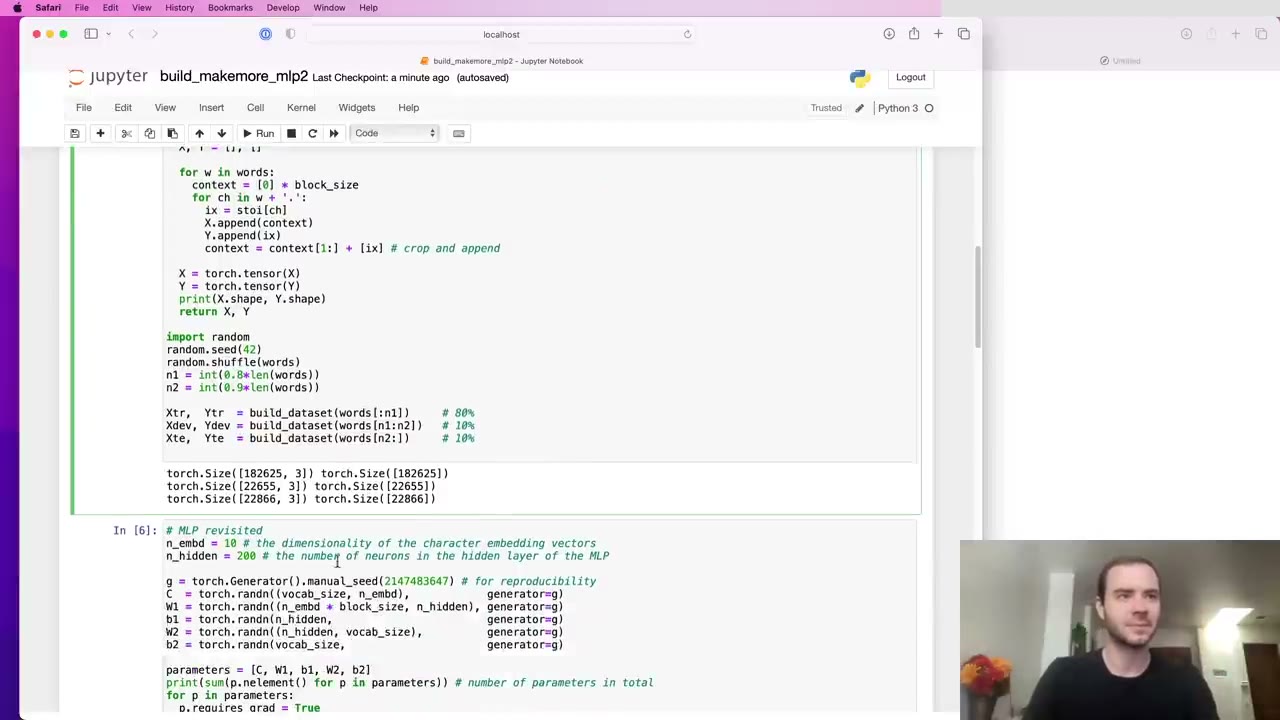
Work out the loss you should see at step zero (5:43). For 27 equally likely characters it is about 3.29. A first loss of 27 means the softmax is confidently wrong, and the first few thousand steps get wasted shrinking the weights.
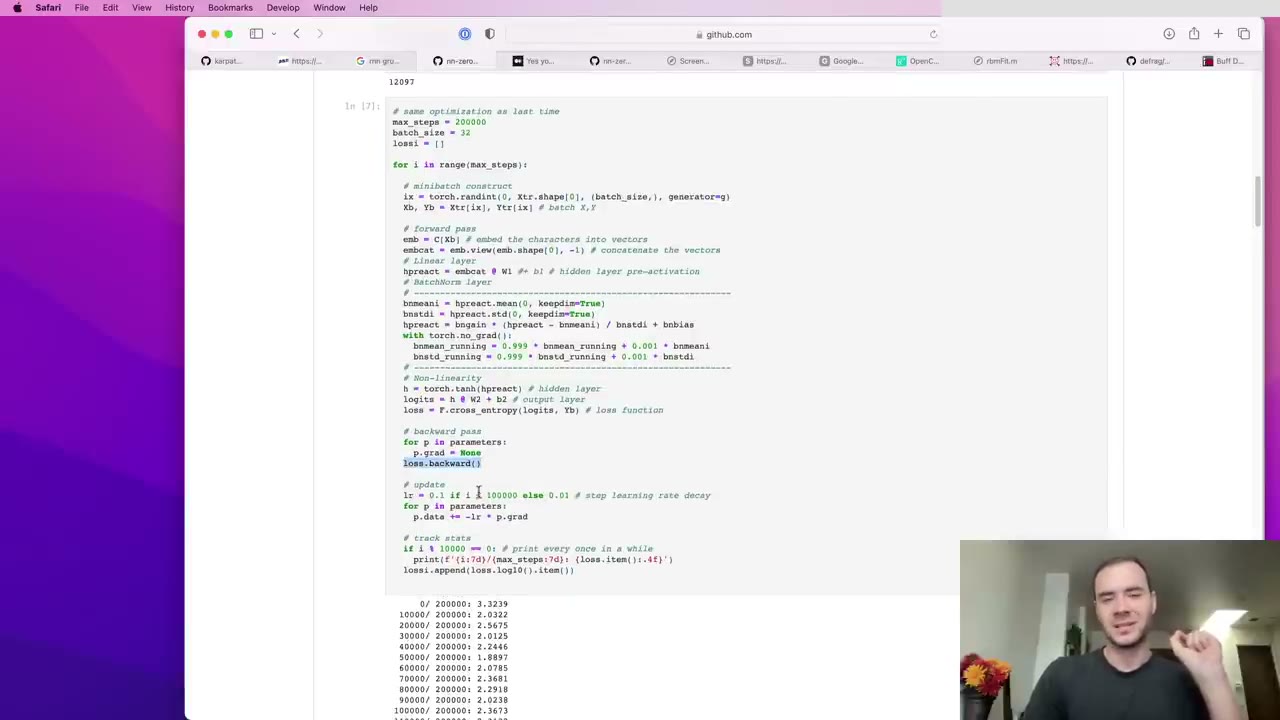
Backprop is a leaky abstraction (1:05). Autograd computes gradients for you, but saturated activations, dead neurons and subtle bugs only make sense if you know what it is computing.
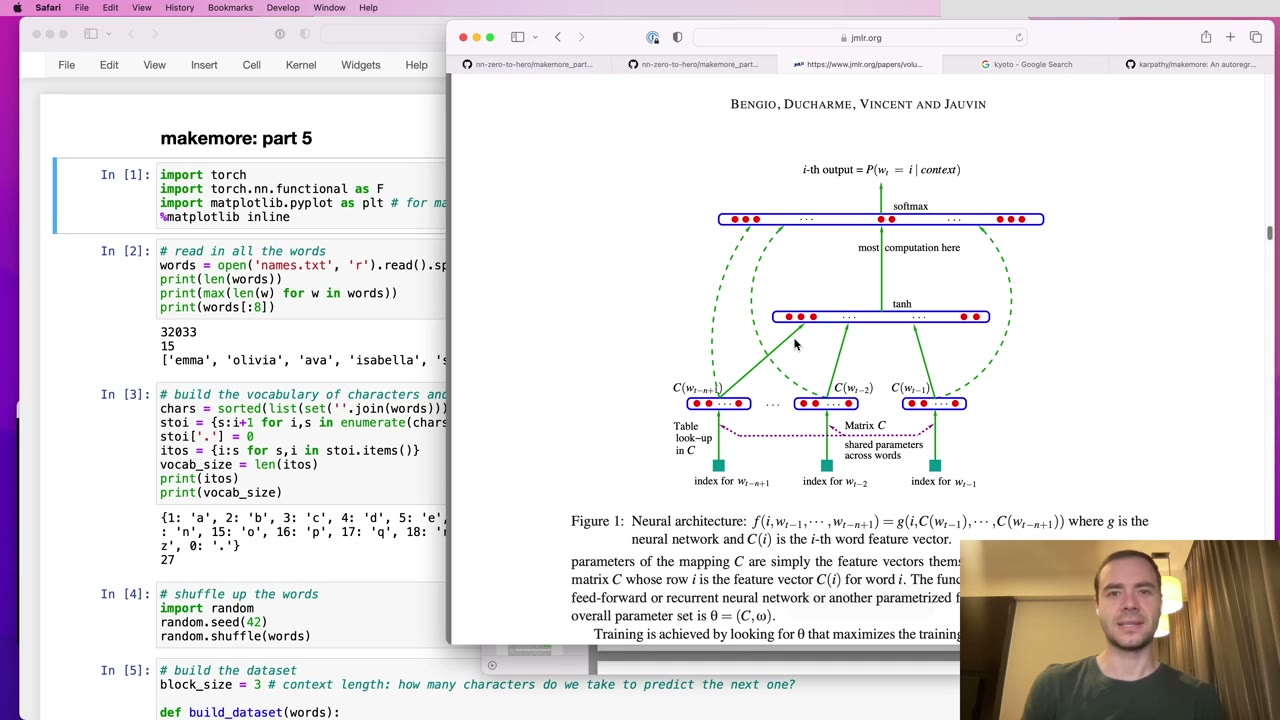
Squashing the whole context into one layer is the bottleneck (17:46). Making the single hidden layer bigger doesn't fix the fact that all characters are mixed in one step.
One chunk of text is many training examples (15:34). A slice of `block_size + 1` characters gives `block_size` predictions, one for each context length from 1 up to the full block, which also teaches the model to work with short prompts.
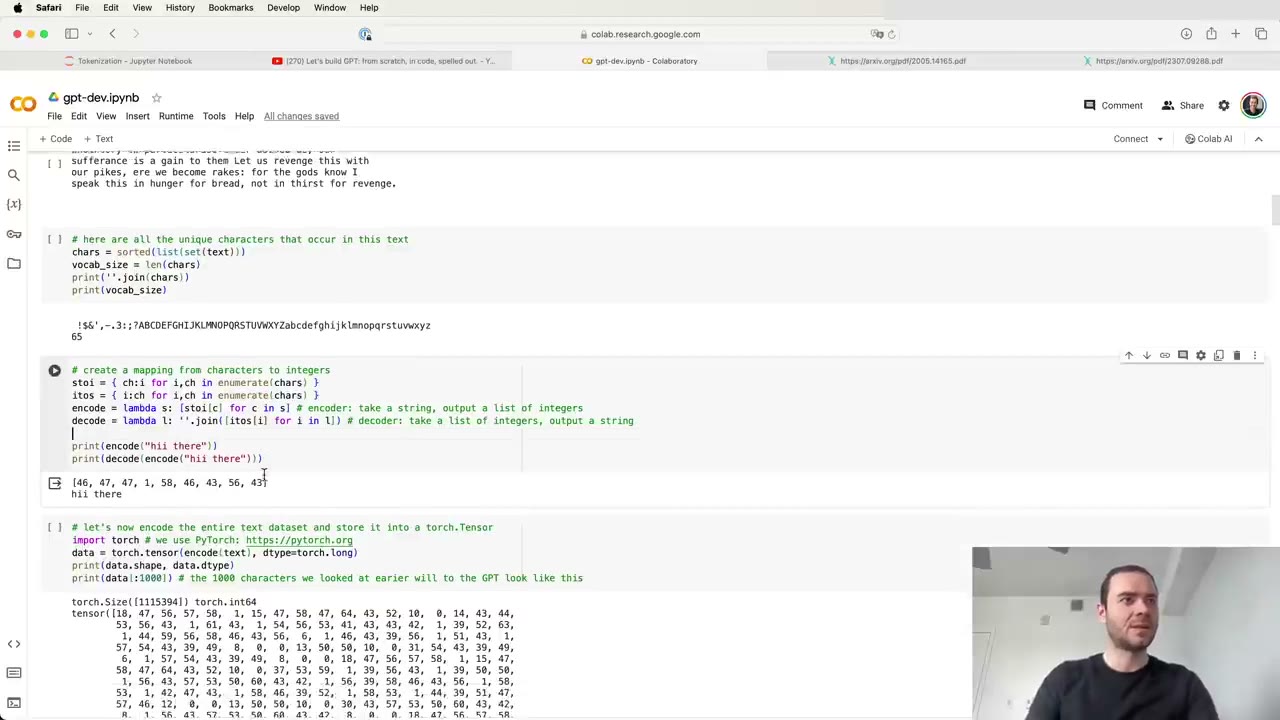
A lot of LLM weirdness is tokenizer weirdness (4:40). Poor spelling, weaker non-English performance, shaky arithmetic and GPT-2's trouble with Python all trace back, at least partly, to how text is cut into tokens.
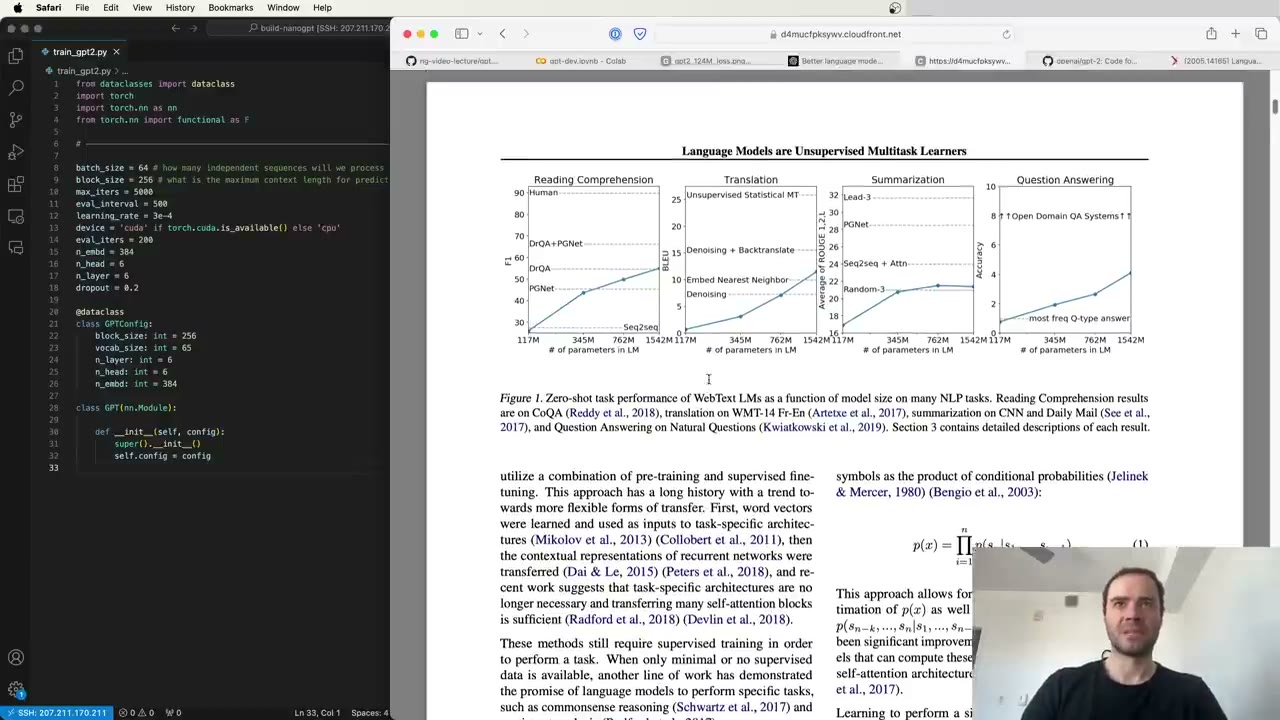
Load the released weights before you train anything (12:34). If your own class can load OpenAI's GPT-2 checkpoint and generate sensible text, you know the architecture is right, and training only has to find good weights.
Watch the video
Watch the original video on YouTube
Neural Networks: Zero to Hero is Andrej Karpathy’s video course on building neural networks from scratch, in code, with nothing hidden. It starts from a tiny autograd engine of about a hundred lines and ends with a reproduction of GPT-2. Every concept is introduced by writing it out and watching it run: backpropagation, language modeling, initialization, batch normalization, attention and tokenization.
It suits programmers who want to understand how modern language models actually work, not just call them. Our notes give each video’s argument in our own words, chapter timestamps back to the video, the key code pieces, a list of what you can skip on a re-watch, and a glossary.
Lectures
| # | Video | Length | What you build | Our notes |
|---|---|---|---|---|
| 1 | Building micrograd | 2 h 26 min | micrograd: a tiny autograd engine (a Value class with backprop) and a small neural net trained on top of it |
Lecture 1 notes |
| 2 | Building makemore | 1 h 58 min | A bigram name generator, first by counting and then as a one-layer neural net trained with gradient descent | Lecture 2 notes |
| 3 | makemore Part 2: MLP | 1 h 16 min | A Bengio-style MLP with character embeddings, minibatch training, a learning-rate search and train/dev/test splits | Lecture 3 notes |
| 4 | makemore Part 3: Activations & Gradients, BatchNorm | 1 h 56 min | Diagnostics for a deeper MLP: a fixed initialization, Kaiming scaling, BatchNorm from scratch and the plots that show a healthy network | Lecture 4 notes |
| 5 | makemore Part 4: Becoming a Backprop Ninja | 1 h 55 min | The whole backward pass of the MLP written by hand, from cross-entropy through BatchNorm to the embedding table | Lecture 5 notes |
| 6 | makemore Part 5: Building a WaveNet | 56 min | A WaveNet-style model that merges characters in a tree, plus PyTorch-like layer classes | Lecture 6 notes |
| 7 | Let’s build GPT | 1 h 56 min | A character-level GPT trained on Tiny Shakespeare, with self-attention, multi-head attention and transformer blocks written by hand | Lecture 7 notes |
| 8 | Let’s build the GPT Tokenizer | 2 h 14 min | A byte-level BPE tokenizer from scratch, compared with GPT-2/GPT-4 tiktoken and SentencePiece | Lecture 8 notes |
| 9 | Let’s reproduce GPT-2 (124M) | 4 h 1 min | GPT-2 (124M) in PyTorch, trained on FineWeb-Edu with mixed precision, torch.compile, FlashAttention and multi-GPU DDP, then scored on HellaSwag | Lecture 9 notes |
The official playlist also includes State of GPT, Karpathy’s 2023 Microsoft Build talk. It is a survey talk rather than a build-along lecture, so it isn’t part of this guide.
How the course is built
| Block | Lectures | What it does |
|---|---|---|
| The engine | 1 | Backpropagation from first principles, in a tiny autograd library. |
| One model, five passes | 2–6 | A character-level name generator, rebuilt with better architectures and better training each time. |
| The transformer | 7 | A small GPT trained on Shakespeare, with self-attention written by hand. |
| Real-world GPT | 8–9 | The tokenizer real models use, then a full GPT-2 (124M) training run with modern speed-ups. |
Suggested watching order
- Start at Lecture 1 even if you know PyTorch. Writing backpropagation by hand once is the foundation everything else rests on.
- Short on time and want transformers? Watch Lecture 1, then Lecture 2 for the language-modeling setup, then jump to Lecture 7.
- Training goes wrong in your own models? Lecture 4 on activations, gradients and BatchNorm is the most practical diagnostic lecture in the series.
- Building with LLMs rather than training them? Lecture 8 explains many odd model behaviors that trace back to tokenization.
FAQ
How long is Karpathy's Zero to Hero course?
The nine lectures we cover add up to about 18.5 hours. They range from under an hour (Building a WaveNet) to about four hours (Let's reproduce GPT-2). The official playlist also contains State of GPT, a conference talk rather than a lecture, which we don't cover here.
What do I need to know before starting?
Basic Python and some high-school calculus, mainly the idea of a derivative. Karpathy builds everything else from scratch, including backpropagation in Lecture 1. PyTorch is introduced gradually from Lecture 2 on, so you don't need to know it in advance.
Do I have to watch the lectures in order?
Mostly yes. Lectures 2 to 6 build one character-level language model, makemore, step by step, and Lecture 7 reuses its ideas to build a GPT. Lectures 8 (the tokenizer) and 9 (reproducing GPT-2) stand more on their own, but they assume you know the transformer from Lecture 7.
Where is the code from the videos?
Each video has a public GitHub repository under Karpathy's account, MIT-licensed: micrograd for Lecture 1, makemore and the nn-zero-to-hero notebooks for Lectures 2 to 6, ng-video-lecture and nanoGPT for Lecture 7, minbpe for Lecture 8 and build-nanogpt for Lecture 9. Our pages show short excerpts and link to the full code.
Studying another course? Paste its YouTube or Bilibili link on the home page to request a handout — or make your own with the desktop app (coming soon).